
A buyer can approve a beautiful projector sample and still receive the wrong commercial configuration. The effect may look right while the plug, remote, manual, retail box or document set belongs to another version. The problem is not always that the supplier changed the product deliberately. The problem is that different parts of the order kept moving after the sample was approved, and nobody forced them back into one identity.
When I review a shipment question, I put the approved unit beside the written configuration before I look at a general quality checklist. If those two do not describe the same sellable version, a long inspection report only gives the mismatch more pages.
Before a decorative projection-lighting shipment leaves China, verify one complete identity chain: exact product and variant, approved visual and control behaviour, power arrangement, accessories, labels, manual, retail box, master carton and destination-market document status. A pass in one area does not repair a mismatch in another.

Below, I walk through a buyer-side verification method. It is not a claim that every factory already runs a mature outgoing-quality system, and it does not replace a qualified inspection or destination-market review. Its purpose is narrower: to help an importer stop version drift before the goods, packaging and paperwork leave together.
What Should Be Locked Before a Projection-Light Shipment Is Approved?
Many shipment checklists begin with appearance, quantity and workmanship. Those checks matter, but they are downstream. You first need to know what the shipment is supposed to be.
Lock the sellable configuration before approving shipment: public SKU, variant, intended effect, controls, power arrangement, included accessories, artwork version, packing plan and document status. If any one of those remains open, record it as pending instead of letting the factory choose an interpretation during production.
A Product Name Is Not a Version
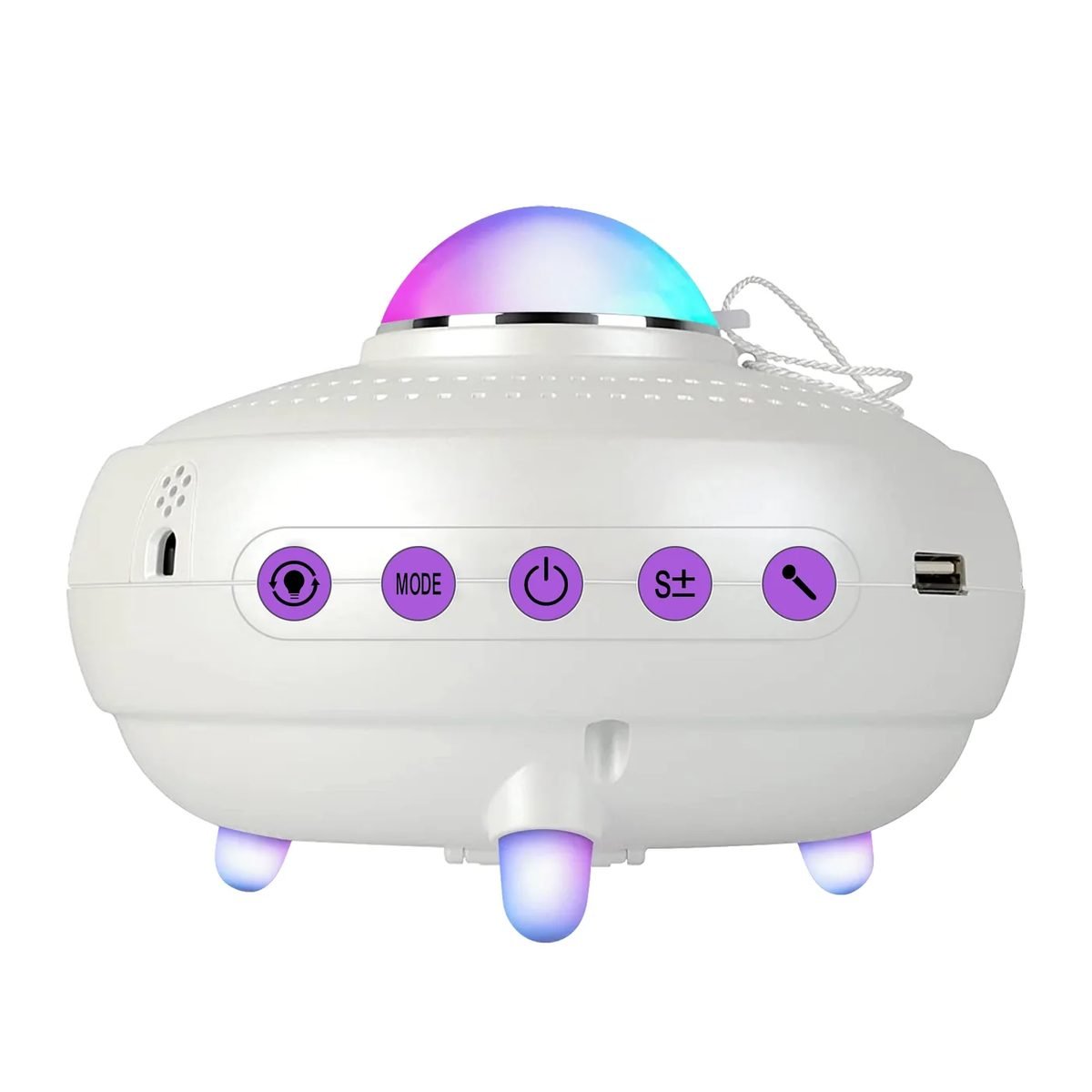
“Star projector,” “firefly light” and “3D galaxy projector” describe families, not complete orders. Two products can share a housing while using different controls, content, power arrangements or accessories. One product can also have several sellable variants.
I start with an identity row, not a photograph. The row names the public SKU and the exact commercial choices the buyer approved. A photo can support identity, but it cannot show firmware, remote mapping, adapter input or document scope.
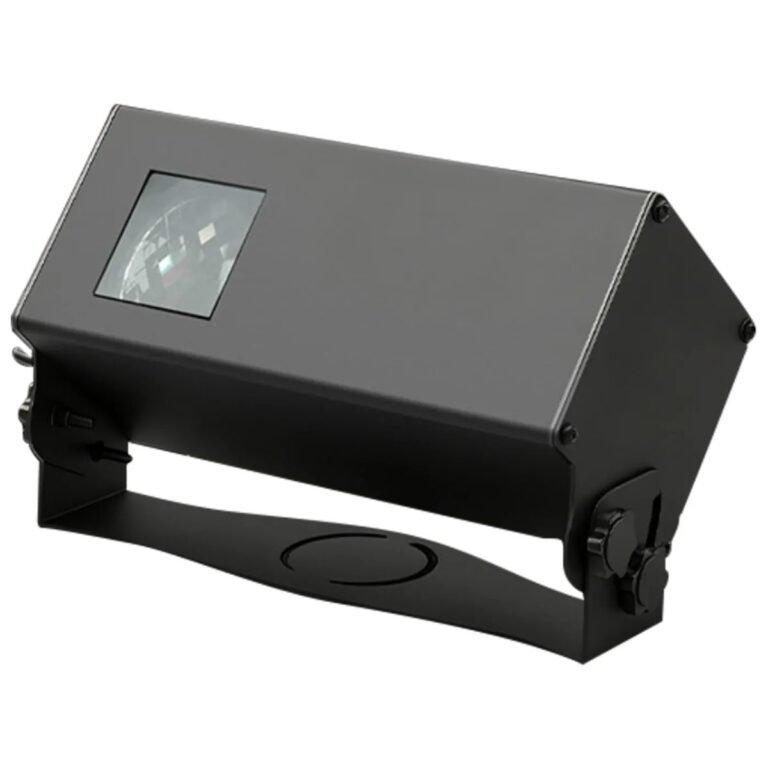
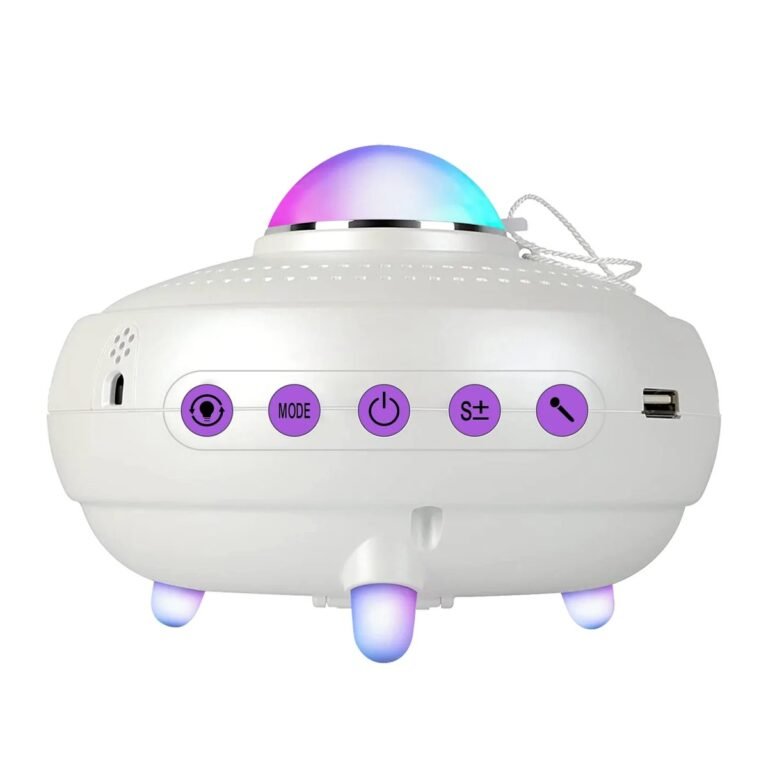
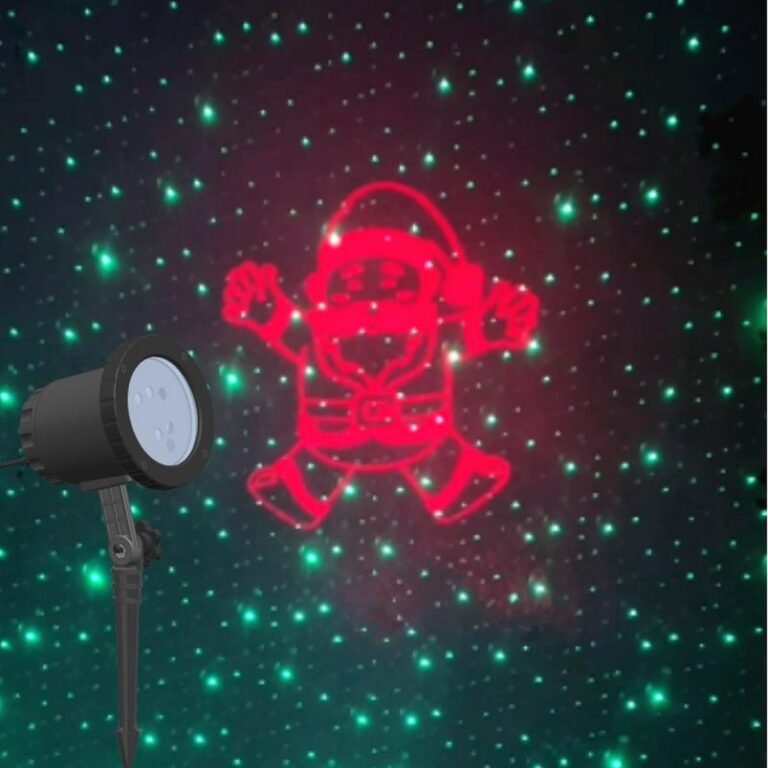
For example, a buyer reviewing the indoor star-projector range may need to separate remote control, Bluetooth, USB audio, scene content and power input. An outdoor buyer comparing decorative projectors has a different chain: housing, bracket or stake, cable, adapter option, control behaviour and product-level ingress statement.
Use a Configuration Lock Sheet
The lock sheet does not need to be sophisticated. It needs to be unambiguous.
| Identity field | What the buyer records | What does not count as approval |
|---|---|---|
| Product | Public SKU and agreed commercial name | A category name or similar-model photo |
| Variant | Colour, content, control and relevant hardware option | “Same as sample” with no sample reference |
| Power | Input, adapter or cable arrangement and plug option | A generic accessory list |
| Controls | Buttons, remote, app or other control path included | A feature icon copied from a family page |
| Content | Scenes, patterns, audio behaviour or custom files where relevant | A promotional video with no version label |
| Accessories | Every included physical item | “Standard accessories” without a list |
| Packing | Retail pack, inserts and master-carton plan | A carton photo from another order |
| Documents | Required item and current status for the destination | “Certificates available” as a company-level phrase |
The useful discipline is not filling every cell. It is refusing to hide an open cell. I would rather see “remote mapping pending approval” than a green check based on assumption.
A blank before production is a task. A guessed answer inside a shipment is a dispute.
How Do You Keep the Sample, Quotation and Bulk Version Aligned?
The sample is often treated as a visual promise while the quotation is treated as a commercial document. That separation creates room for each to describe a different product.
Give the approved sample a stable reference and carry that reference into the specification, quotation and purchase order. Record what the sample proves, what it does not prove and which later changes require renewed approval. “Same model” is not enough when controls, power, content, accessories or packaging can change.

Separate Sample Evidence from Document Evidence
A physical sample can prove what you can observe and repeat on that unit: product form, effect, control response, accessory fit and visible labels. It cannot automatically prove that a report applies to the exact version, that every production unit will behave identically or that the final packaging artwork is correct.
A document has the opposite limitation. It may describe electrical data, material, report scope or packing details, but it cannot prove that the physical unit in front of you matches the named configuration.
I therefore use two columns:
| Question | Sample can support | Separate record still needed |
|---|---|---|
| Is this the intended appearance? | Yes, for the approved unit | Colour/finish identifier and change rule |
| Does the control path behave as expected? | Yes, in the tested modes | Written function map and included control hardware |
| Is the power arrangement correct? | Visible connector and supplied adapter | Rated input and destination plug agreement |
| Is the projected effect acceptable? | Yes, under recorded test conditions | Conditions and repeatable acceptance method |
| Are the final labels and manuals correct? | Only if final versions are attached to the sample | Approved artwork files and revision references |
| Do destination documents cover the product? | No | Exact model/version mapping and current document status |
A Buyer Example: The Effect Was Approved, but the Order Was Not
An importer once sent an approval message that focused on the projected effect. The unit looked right, so the buyer considered the sample finished. The quotation still used a broad product name, the manual file had no revision marker, and the adapter option sat in a separate message thread.
I did not ask the buyer to test the visual effect again. I placed the sample description, quotation fields, power arrangement, remote functions and packaging notes into one row. The problem became visible immediately: the buyer had approved an effect, not a complete sellable configuration.
The next approval named the product version, listed the included control and power items, attached the manual and box revision, and left the destination-document row pending until it could be mapped. The buyer did not gain certainty by adding more adjectives. The buyer gained it by separating what was approved from what was still open.
A golden sample is useful only when the written order can point back to the same configuration.
Which Physical Items Must Be Checked as One Sellable Set?
Inspectors naturally focus on the main unit because it carries the highest apparent value. Buyers receive and sell a system, not an isolated projector housing.
Check the projector, controls, power components, mounting parts, accessories, labels, manual and retail packaging as one sellable set. A unit can function correctly and still be commercially wrong if one included item belongs to another market, another variant or an earlier artwork revision.
Build the Check Around Buyer Use
I ask a simple question: what will the buyer or installer need to take out of the box before this product can be used and sold as intended? That answer defines the physical verification set.
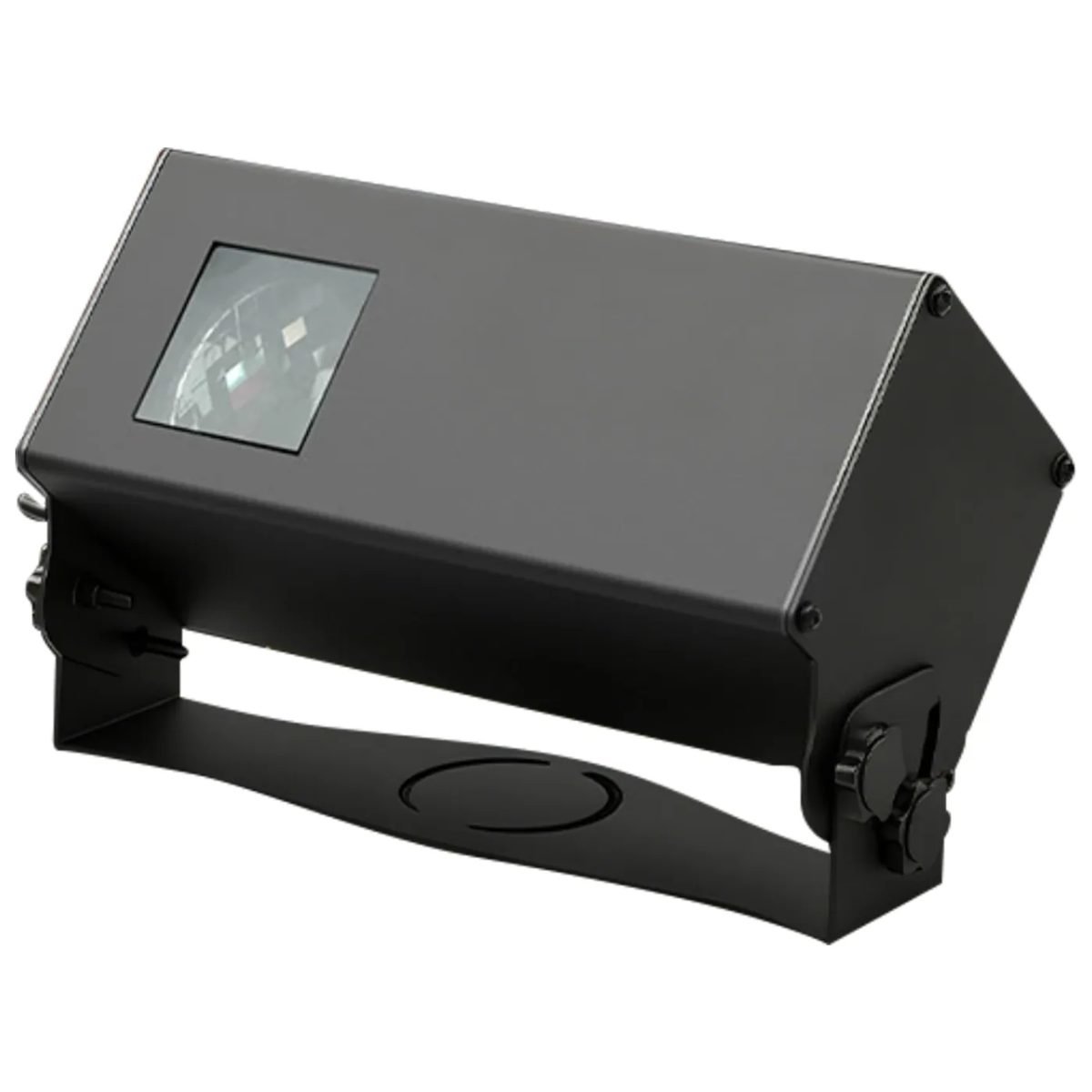
For an indoor decorative projector, the set may include the main unit, cable or adapter, remote, manual and retail box. For an outdoor product, add the agreed mounting hardware, stake or bracket, cable arrangement and weather-related installation instructions where applicable. For a private-label order, the artwork and label version become part of the product identity.
| Check group | What to compare | Common version-drift signal |
|---|---|---|
| Main unit | Housing, colour, optical face, controls, model/SKU label | Correct shell with wrong control or content version |
| Power | Input, cable, adapter, plug option | Sample and production use different power arrangement |
| Controls | Remote, button map, app path where applicable | Remote included but functions differ from manual |
| Mounting | Bracket, stake, fasteners, angle range | Accessory taken from a neighbouring outdoor model |
| Printed items | Manual, labels, warnings, inserts | Old revision or wrong destination language |
| Retail pack | Artwork, barcode, product image, included-item list | Box describes a feature not present in the unit |
| Master carton | Quantity, marks, packing plan | Carton plan belongs to another configuration |
Do not let “standard” replace a list. A supplier may use that word honestly while the buyer and factory hold different ideas of what standard includes.
Check Consistency Across a Small Set, Not Only One Hero Unit
The approved sample is the reference, but shipment verification also needs more than one finished unit. I compare visible identity and function across the selected units, then record any repeated mismatch by configuration.
This article does not prescribe an AQL level or sample size. Those decisions depend on the order, product risk and inspection arrangement. The principle here is independent of the sampling plan: every inspected unit must be compared with the same locked definition.
How Should Buyers Verify Optical, Control and Power Behaviour?
Beauty images make decorative projection lighting easy to shortlist and difficult to specify. A dark-room photograph can show an effect while hiding the conditions that created it.
Translate the visual promise into observable checks: exact mode, control path, power arrangement, projection direction, target surface, distance and ambient-light condition. Approve what can be repeated on the intended version, and leave any unconditioned coverage or performance number outside the shipment acceptance criteria.
Start with Function Mapping
I check what each control actually does before I compare a list of features. If a remote icon says “mode,” I want to know which modes appear and in what order. If a product has several light channels, I separate them. If content is customizable, I record which content set the buyer approved.
The same rule applies to power. A connector shape does not define the rated input. An adapter photo does not define the destination plug. Keep the written power field, the supplied item and the product label aligned.
Record Conditions for Visual Acceptance
A visual test should answer the buyer's use question, not create an attractive scene. Record at least:
- exact public SKU and variant;
- control mode and speed or movement state;
- target surface and projection direction;
- distance or placement used;
- ambient-light condition;
- what the observer considers acceptable.
Our current outdoor coverage figures illustrate why this matters. Some figures have a field-measurement and estimation basis, but the original surface, ambient light and observation method were not retained with the values. I do not call those figures invented. I also do not use them as repeatable shipment acceptance criteria.
That distinction is important: the product may be sound while the descriptive record is incomplete. Buyers should correct the record without turning a documentation limitation into a product-quality accusation.
How Do Packaging and Labels Stay Connected to the Approved Product?
Packaging is often finalized after the physical sample because artwork takes longer and several teams contribute. That makes the retail box one of the last places where an earlier feature or wrong model can survive.
Approve packaging against the final sellable unit, not against an early catalog description. The box, manual, product label, barcode, inserts and master-carton marks should all name or depict the same configuration and included items. Recheck the packing plan after private-label materials are physically assembled.
Treat Artwork as Versioned Product Data
Artwork is not a decorative file outside the order. It contains claims. A feature icon, scene count, power line or accessory image can become a promise to the buyer's customer.
I compare every measurable or functional packaging statement with the same controlled fields used for the order. When a field is pending, the packaging should not settle it by design choice.
| Packaging element | Verification question |
|---|---|
| Front and side panels | Does the pictured product and named variant match the unit? |
| Feature icons | Does each icon map to a tested function on this version? |
| Power line | Does it match the product label and supplied power component? |
| Included-item image | Are all shown items actually packed, and are no required items missing? |
| Manual | Do button names, setup steps and warnings match the shipped controls? |
| Barcode/SKU label | Does it identify the intended sellable configuration? |
| Master-carton marks | Do product, quantity and destination marks match the final packing plan? |
For a customized project, the OEM/ODM process may introduce new artwork, colour, structure, optics or electronics. The change boundary matters. A colour-only project and a newly tooled product do not carry the same development or re-approval path, so the shipment record must preserve which path produced the goods.
Re-measure After the Pack Is Real
Do not rely on an early carton plan after the final manual, adapter, inserts and protective materials are packed together. The practical check is the approved sellable unit inside the approved retail pack, followed by the actual master-carton arrangement.
This is not permission to copy a packing value from a similar product. Each recorded configuration stays attached to the exact product and source. Missing packing information remains pending until the correct configuration is measured or confirmed.
What Do Factory Tests Prove, and What Can They Never Prove by Themselves?
Factory photographs and production checks are useful evidence, but buyers often ask them to answer questions outside their scope.
A visible assembly, aging or projection check can show that a real process occurred. It cannot by itself prove the exact product specification, document scope, destination-market suitability or sample-to-bulk identity. Treat process evidence as one layer and keep commercial configuration and document mapping separate.
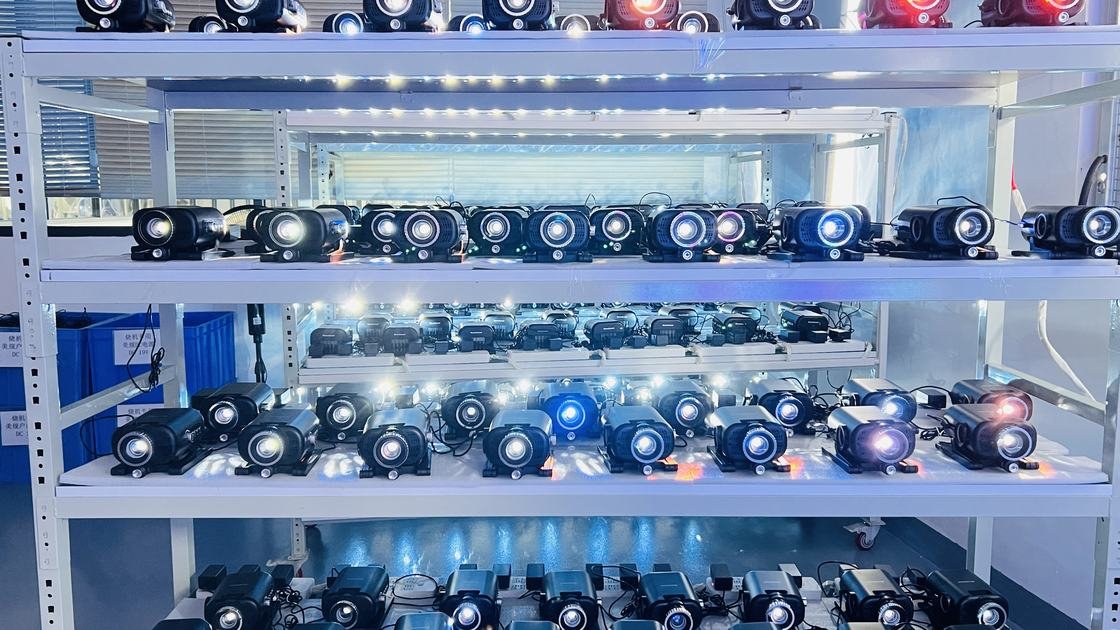
Do Not Turn a Process Photo into a Universal Claim
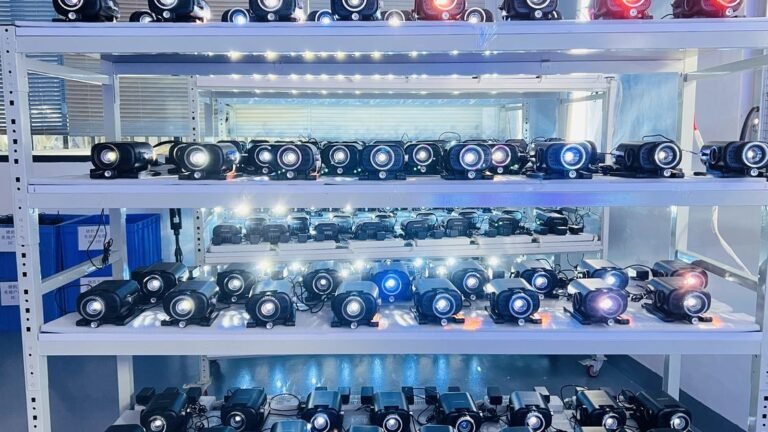
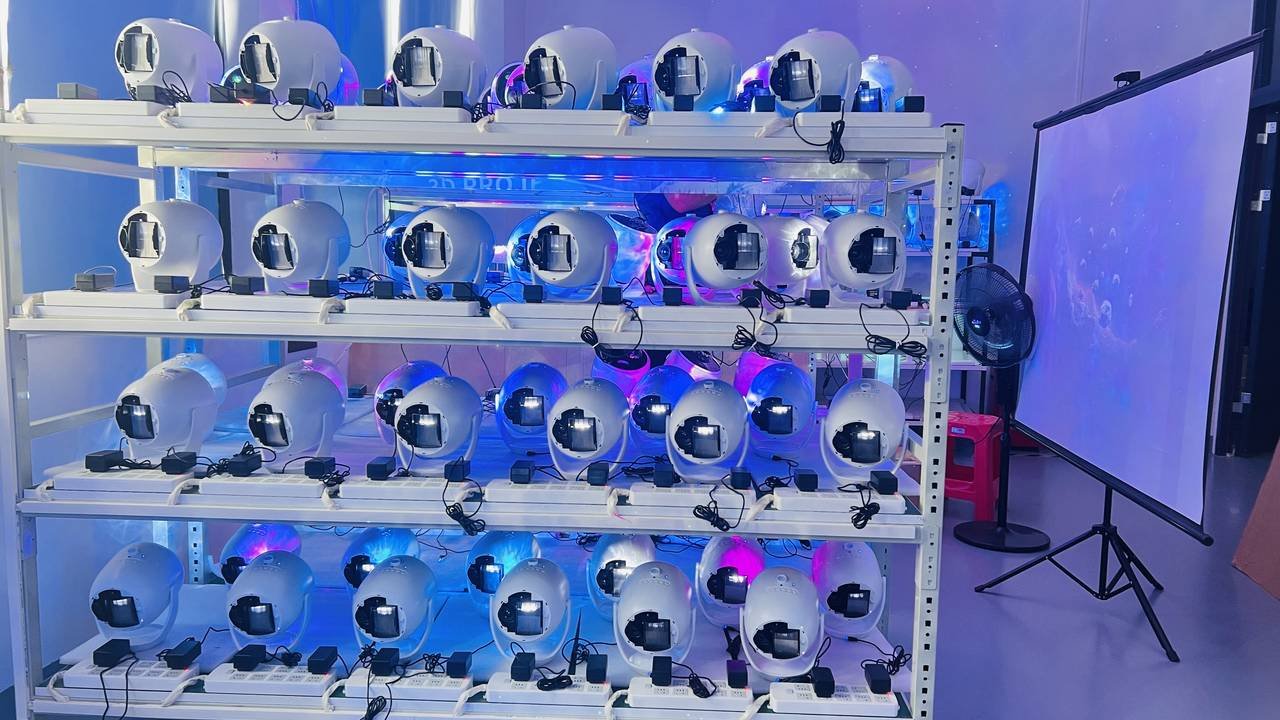
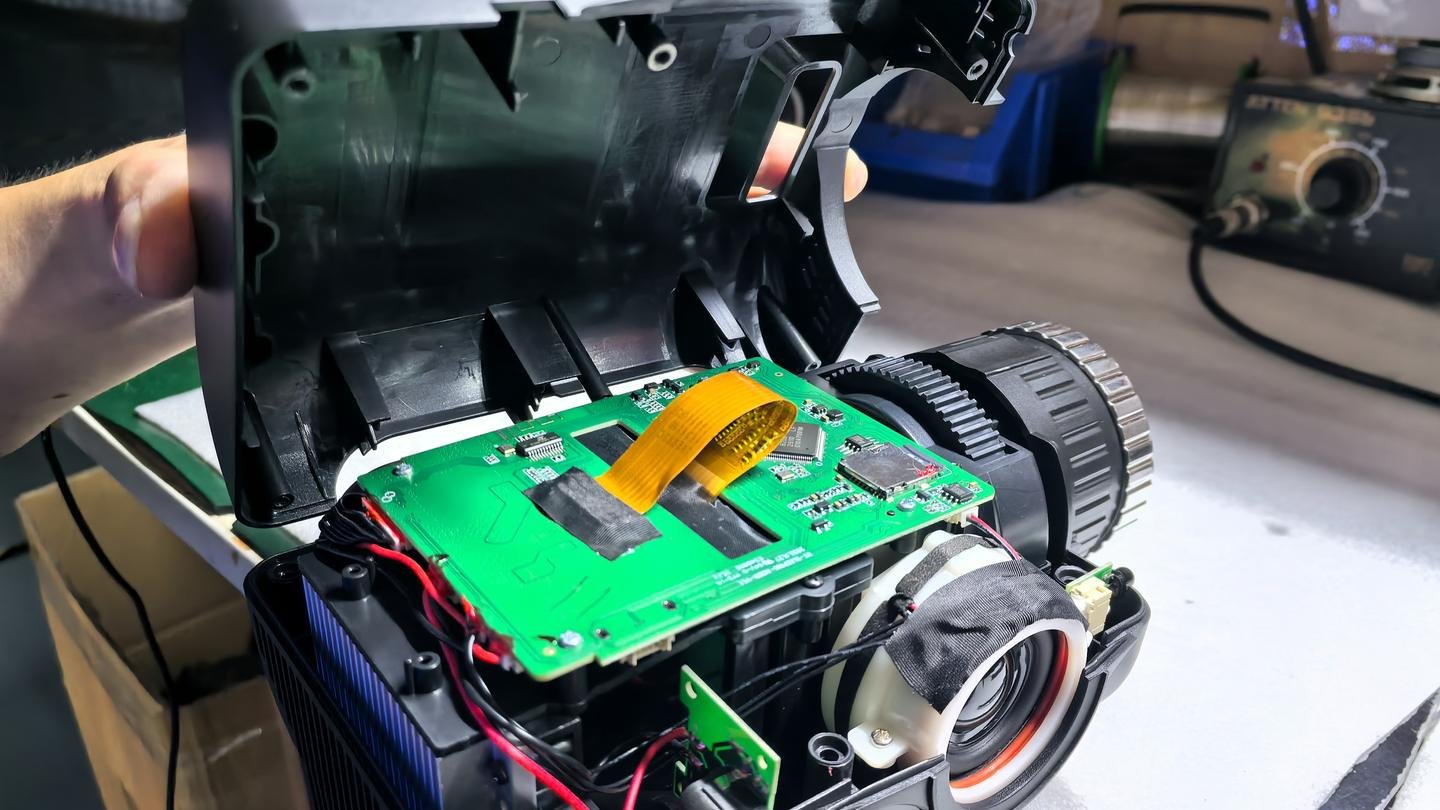
Our factory has assembly lines, aging racks, a projection test area and a laser test room. Factory-confirmed business facts also record roughly eight hours of aging per unit. These are legitimate process facts. They still do not prove that a particular photograph shows the buyer's model, that a commercial specification is correct or that a document covers the shipped version.
I separate four questions:
| Evidence | It can support | It cannot support alone |
|---|---|---|
| Assembly-line photo | A visible factory process exists | Exact components or settings in the buyer's order |
| Aging-rack photo | Units are operating on a rack | A defect rate, service life or shipment acceptance result |
| Projection-test photo | Projectors are running in a test area | Coverage under an unrecorded distance, surface or light condition |
| Open-unit inspection photo | Internal assembly can be inspected | Component identity for every SKU or batch |
| Product image | Appearance of the pictured product | Performance, safety classification or document coverage |
Where This Method Can Still Fail
Even a well-built lock sheet can become stale. A late component change, revised content file, substituted accessory or reprinted manual can create a new version after approval. Human reviewers can also check the right field against the wrong sample.
The removal condition is straightforward: any change to a locked identity field reopens the affected approval. If the supplier cannot show what changed, hold the field and the shipment decision. Do not add a vague “equivalent item allowed” escape unless the buyer has defined equivalence.
More checks do not repair a broken identity chain. They only inspect the wrong definition more thoroughly.
How Should Destination-Market Documents Be Tracked Before Shipment?
Import rules and document requirements vary by product, configuration and destination. A general online checklist cannot decide the buyer's legal obligations.
Track each required document by exact product/configuration, destination, current status and responsible reviewer. Separate “listed in a catalog,” “available at company level,” “mapped to this product” and “still pending.” Confirm the actual market requirements with the buyer's qualified compliance or customs adviser before shipment.

Use Status, Not a Badge Row
A badge row compresses a complicated question into a yes/no decoration. I prefer a document-status matrix that keeps uncertainty visible.
| Status | Meaning | Buyer action |
|---|---|---|
| Product-mapped | The file or declaration has been reviewed against the exact product/version | Confirm destination and validity for this shipment |
| Source-listed | A catalog or supplier source names the item, but product/version mapping may still need closure | Request the applicable file and mapping basis |
| Company-level | The supplier has a capability or company document, not necessarily product evidence | Do not apply it automatically to the goods |
| Pending review | File exists or is expected, but the exact mapping has not been completed | Hold the claim; assign an owner and date |
| Not required / not applicable | Determined for this destination by the responsible reviewer | Record who made the determination and on what basis |
| Unknown | Requirement or evidence has not been established | Resolve before shipment; do not convert to “yes” |
The matrix should not claim that a document guarantees customs clearance, platform acceptance or legal compliance. It creates traceability; it does not replace a market-specific decision.
The Buyer's Final Release Question
Before release, ask whether one person can take the shipment row and trace every important item back to the approved product and current record. If the answer requires searching old messages or guessing which sample was meant, the order is not ready for a clean approval.
My final review sentence is deliberately narrow: the product, included items, packaging and recorded document status match the approved commercial configuration. Anything broader needs its own evidence and responsible reviewer.
Conclusion
Importing decorative projection lighting is not made safe by a longer checklist. The useful control is a shared identity that survives the sample, quotation, production, artwork, packing and document review.
Start with the exact product and variant. Record the visible effect and control behaviour under repeatable conditions. Lock the power and accessory set. Approve labels, manual and packaging against the real unit. Track destination documents by status instead of hiding uncertainty behind a badge row. Keep any unsupported field open.
That method does not require a buyer to pretend the supplier has a perfect system. It gives both sides a practical way to expose mismatches before the shipment makes them expensive. My decision rule is simple: if the goods, written configuration and evidence status cannot point to the same sellable version, I do not call the shipment aligned.
Frequently Asked Questions
What should I check before a decorative projector shipment leaves China?
Match the exact product and variant with the approved sample, control behaviour, power arrangement, accessories, labels, manual, retail box, master carton and document status. A general QC pass cannot repair a version mismatch.
Is an approved projector sample enough for a bulk order?
No. The sample should have a stable reference carried into the specification, quotation and purchase order. Record what the sample proves and separately approve packaging, artwork and product-specific document mapping.
What is a golden sample for projection lighting?
It is the approved physical reference for a defined sellable configuration. It is useful only when the order records the same product, variant, controls, power items, accessories and other approved details.
Should I use a supplier's projection-area number as an inspection limit?
Only when the number carries repeatable conditions such as product version, distance, surface, ambient light and acceptance method. If those conditions are missing, keep it outside the shipment acceptance criteria.
Does factory aging prove the shipment matches my sample?
No. Aging shows that units operated during a factory process. Sample-to-bulk identity still needs separate checks for product version, functions, power, accessories, artwork, packing and documents.
How should I verify private-label packaging?
Compare the final box, label, barcode, manual, inserts and master-carton marks with the physical sellable unit. Recheck the packing plan after all approved private-label materials are physically assembled.
Which compliance documents do I need for imported projection lights?
The answer depends on the exact product, configuration and destination market. Track document status by product and ask a qualified compliance or customs adviser to confirm the actual requirements before shipment.