
A brand owner approves a logo, retail box and manual, then asks for the app icon to carry the same brand. The request sounds like one more artwork change. When I hear it, I stop the artwork conversation and draw four separate boxes: product, firmware, app and cloud, plus a fifth line for scene content. I ask who owns and maintains each one before I let an app name reach the packaging.
The request can cross into account systems, cloud services, software maintenance and customer support. The problem is not that a shared app is automatically bad. The problem is that “private label” is used as if every layer of the product transfers to the buyer at the same time.
Private label can cover the physical product, packaging and instructions while leaving firmware, app, cloud account and scene content under separate ownership or technical control. Buyers should map each layer before artwork approval and decide whether the product needs an app at all.
Our factory's current reality is more useful than the usual “everything is customizable” answer. Most products use controls on the lamp or a remote and do not need an app. Only a small number use a third-party platform, while our Surplife app layer is under development and already appears in current product documentation for selected products. That is a roadmap and product-specific capability—not permission to promise an independent branded app or private cloud.
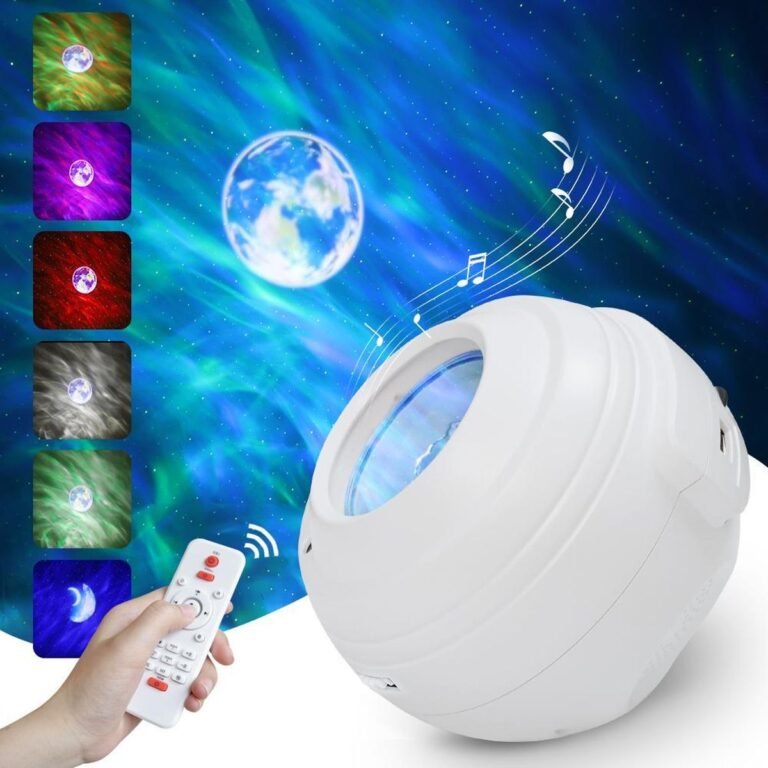
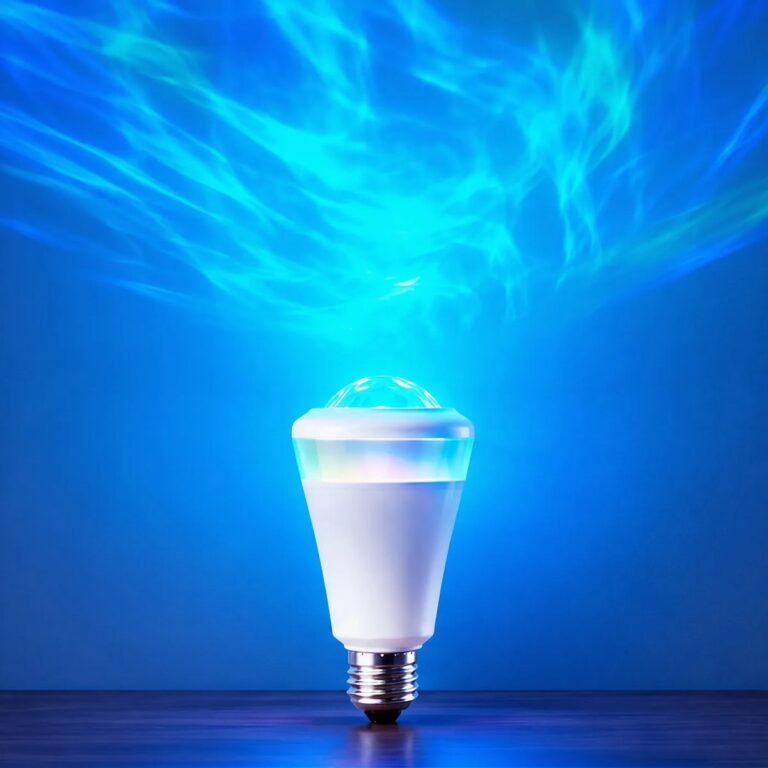
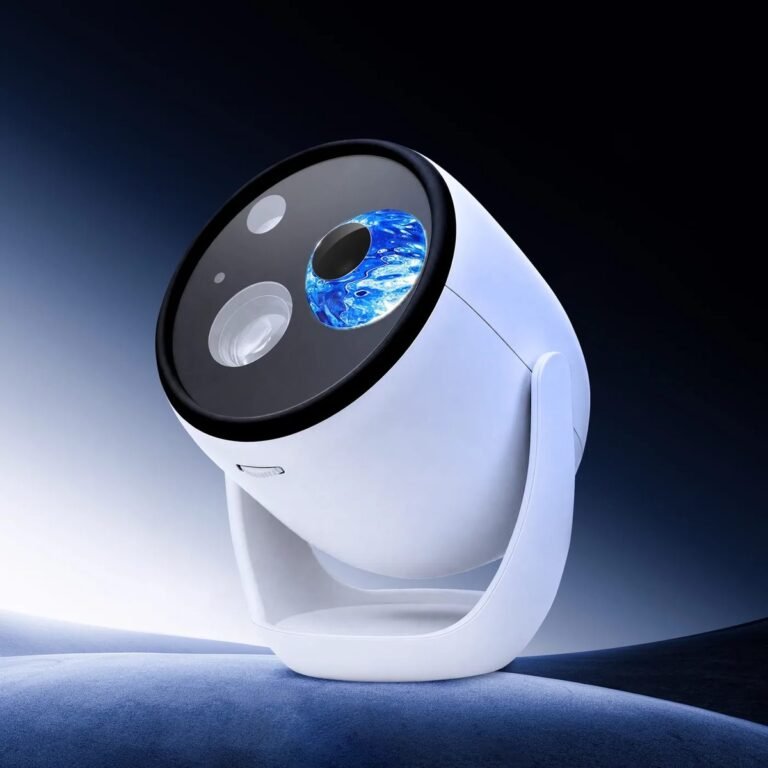
The choices span our indoor star projectors and the app-enabled aurora projection bulb; the product catalog shows why control capability must remain SKU-specific.
Which Four Layers Make Up a Private-Label Star Projector?
Buyers usually divide the project into product and packaging. Software-enabled products need a finer map because each layer can have a different owner and change process.
A private-label projector has at least four layers: physical identity, control firmware, app and cloud services, and visual or audio content.1 Ownership and customization must be agreed for each layer separately. A branded box does not prove control of the software stack.
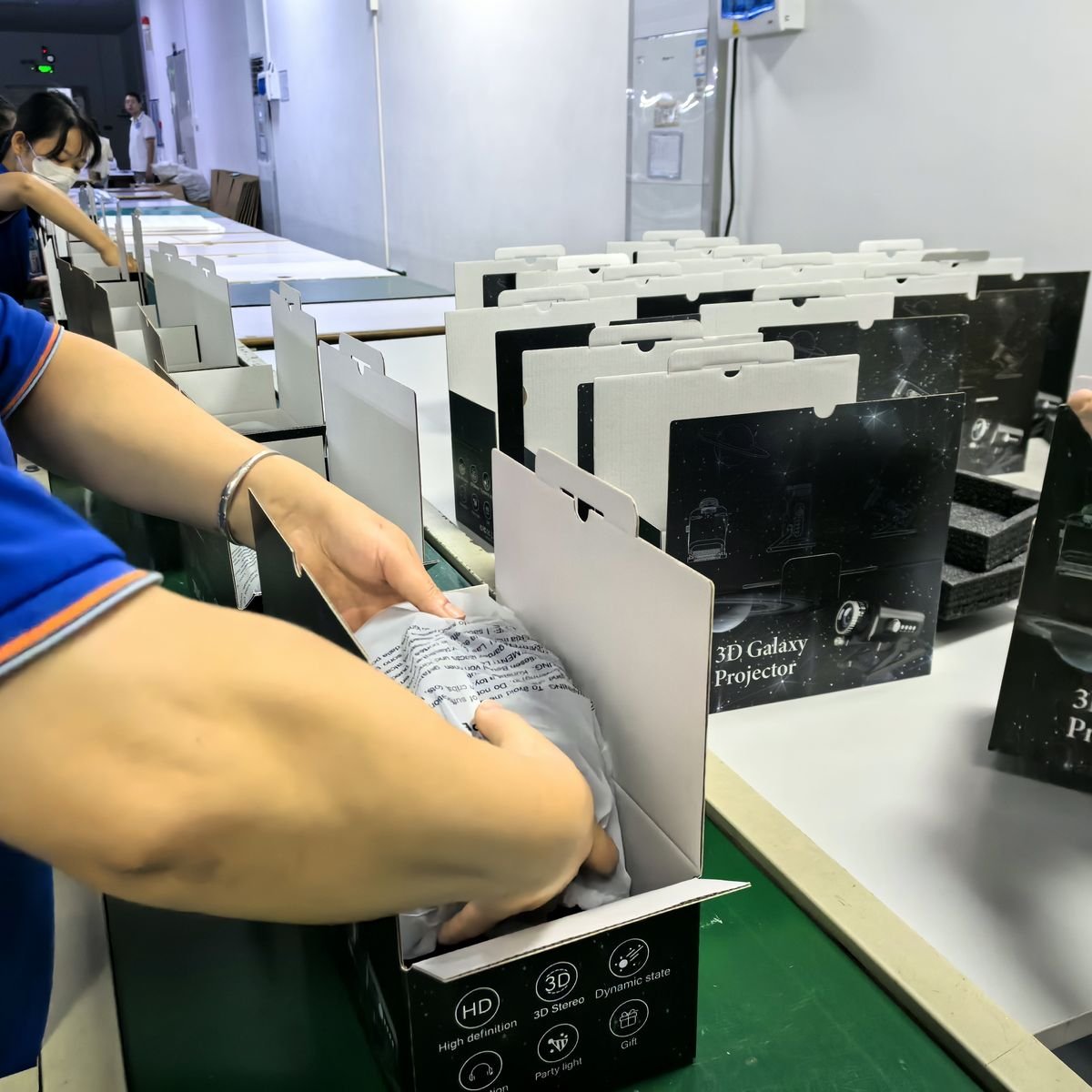
| Layer | Typical elements | Buyer must decide |
|---|---|---|
| Physical identity | Logo, housing colour, retail box, manual, accessories | Artwork ownership, approved sample and reorder consistency |
| Device control | Buttons, remote, firmware behaviour, presets | Which functions exist and what can change |
| App and cloud | Mobile app, login, device pairing, updates, service dependency | Platform, account flow, data responsibilities and lifecycle |
| Content | Scenes, patterns, names, audio response and default order | Included library, rights, localization and approval |
There is also a commercial split, and in our factory it is sharper than the usual OEM versus ODM framing2 suggests. The only change that avoids new tooling is the colour of the housing. Any other change — appearance, structure, optics or circuitry — requires tooling and a full re-certification, and is treated as a new product; our OEM / ODM page sets out what that does to minimum order quantity and lead time. App requests sit outside that hardware line: changing an app icon is not the same project as creating a new account system.
I use the layer map to make that boundary visible to a buyer. I can approve a logo position from an artwork file; I cannot infer app-store ownership, cloud continuity or firmware control from that file. Each layer needs its own named owner and acceptance evidence.
The phrase “our app” is therefore ambiguous. It can mean:
- an app the factory or solution provider operates;
- a shared app with the buyer's product added;
- a white-label app using a shared technical backend;
- an independently developed app and service stack;
- an app name printed in the manual, with no buyer ownership at all.
Write the intended meaning into the first RFQ. If the buyer waits until packaging is finished, the discovery becomes a launch problem rather than a sourcing question.
> Private label changes what the customer sees. Technical ownership determines what the brand can maintain when the customer needs help.
Which Private-Label Changes Are Usually the Easy Layer?
Logo, packaging and manual changes are tangible, reviewable and already part of most factory workflows. “Easy” does not mean they are safe to approve casually.
Logo placement, colour-box artwork and instructions are the normal light-customization layer. They can be approved through artwork files and a physical pre-production sample, but the buyer must still control product identity, mandatory labels, accessory list and the app name shown in the manual.
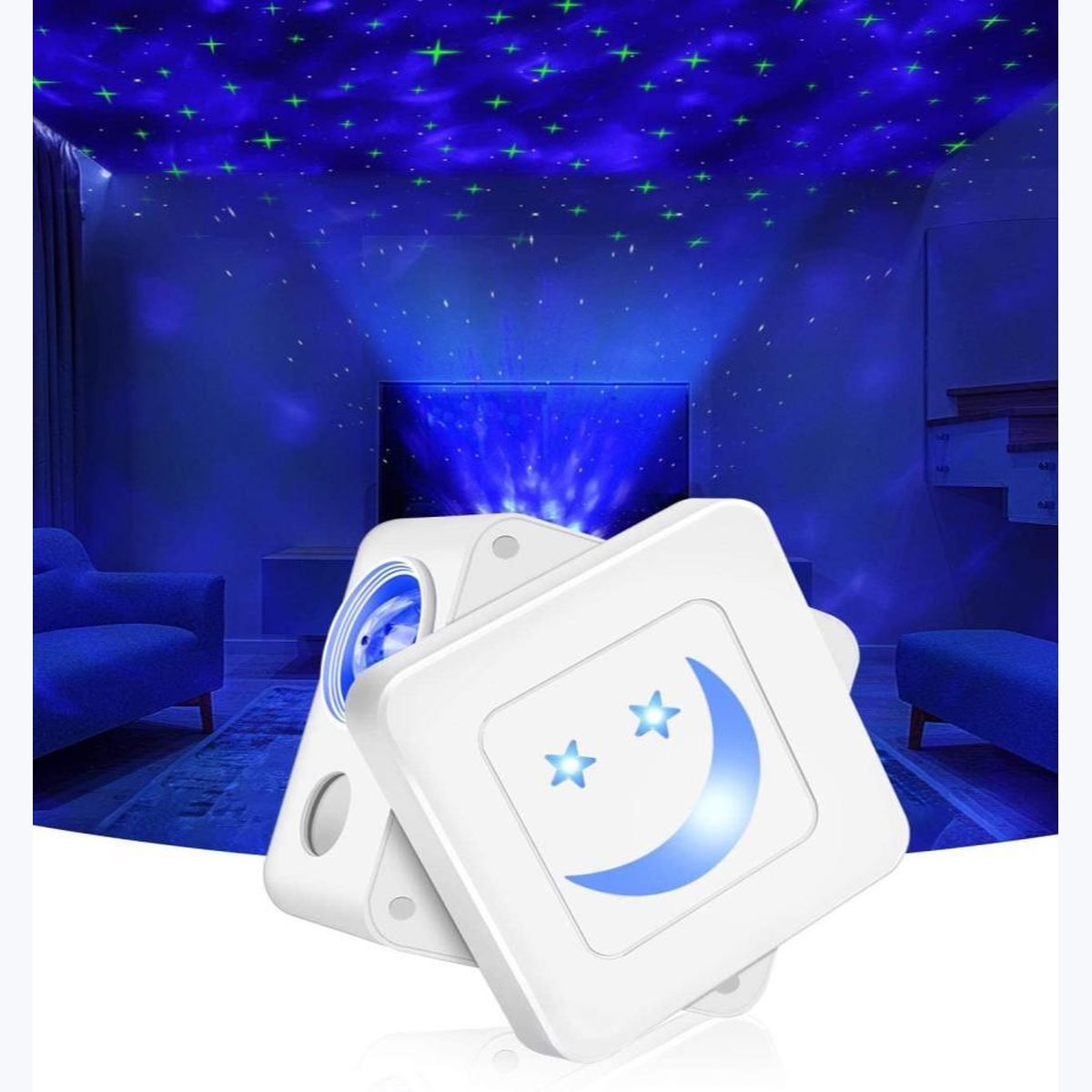
For a direct-control projector, the private-label project may stay entirely in this layer. That can be an advantage:
- no account creation for the consumer;
- no pairing flow to explain;
- no app-store dependency;
- fewer software screenshots to localize;
- one less service layer for the brand's support team.
The buyer should still approve a complete pack, not three separate PDFs.
| Approval item | What to check |
|---|---|
| Product logo | Position, method, durability and correct SKU |
| Retail box | Claims match the exact configuration |
| Manual | Buttons, remote, adapter, app or no-app path match the sample |
| Labels | Product and destination requirements are mapped |
| Accessories | Remote, cable, adapter, stake or inserts match the list |
| Default state | Power-on behaviour and saved settings match the approved product |
The biggest artwork risk is copying a feature from another configuration. A shared box template may show app control while the ordered version uses only a remote. Or it may name a generic app that the buyer later expects to rebrand. Treat every icon as a product claim and map it to the approved sample.
When I review a private-label box, I trace every app icon and control sentence back to the exact sample. If the ordered unit uses only a remote, I remove the app promise rather than treating it as harmless design decoration.
When the “Easy Layer” Becomes ODM
Changing a housing colour may be simple when the material and finish already support it. Changing the mould, button layout or optical path is a different project — in our factory it is a new product, with its own tooling and its own certification. The RFQ should state which of the two it is, so timeline and technical review are not hidden behind the word “custom.”
What Is the Difference Between Firmware, App and Cloud?
These terms are often bundled into “app control,” but they fail in different places and belong to different teams.
Firmware runs on the product, the app provides the user interface, and cloud services may handle accounts, device registration, remote control or updates. A buyer can control one layer without owning the others. Ask who supplies, updates and supports each layer for the exact model.
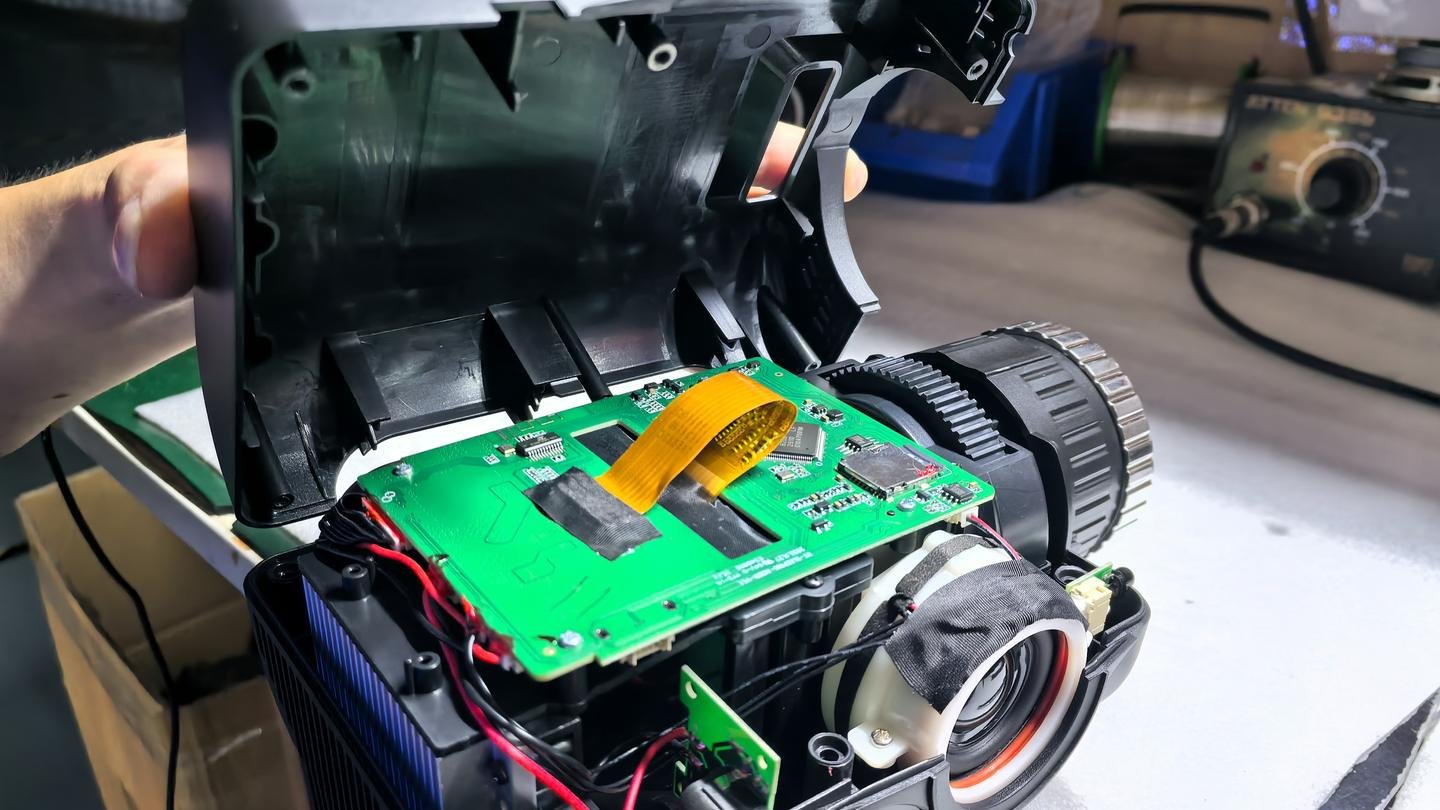
| Layer | Where it runs | Typical failure seen by customer | Supplier question |
|---|---|---|---|
| Device firmware | Inside the product | Button, timing, memory or control behaviour differs | Who controls the firmware version? |
| Mobile app | Customer's phone | Pairing, interface, localization or compatibility issue | Who publishes and updates the app? |
| Cloud service | Remote service | Login, device registration or remote access fails | What happens if the service changes? |
| Wireless module | Inside the product | Product cannot connect or region setup differs | Which module and configuration are supplied? |
Our current catalog shows the product-specific nature of the issue. BWL-AP-010 and BWL-OL-003 include Surp Life or Surplife app language in their source material. BWL-AP-009 records app control as an optional configuration. Many other projectors use buttons, remote or Bluetooth audio without an app.
I do not turn those selected source records into a catalog-wide capability statement. I ask our product team to demonstrate the exact SKU, record the app and firmware identities, and keep “under development” separate from “available in this approved configuration.”
That does not mean Surplife is available as a buyer-owned branded application, and it does not mean every app-labelled product uses the same backend or functions. The correct next step is a product-specific demonstration and written configuration, not a catalog-wide promise.
The Ownership Questions
Ask these before discussing UI colours:
- Who publishes the app in the app stores?
- Who controls the developer account and release process?
- Does the product require a cloud account?
- Who stores or processes account and device data?3
- How are firmware and app versions matched?
- What happens to already-sold units if the app changes?
- Which functions still work without the app or internet connection?
Those questions can reveal that the buyer does not need a branded app. A well-designed remote-control product may fit the channel with less support risk.
A shared technical platform can be mature and efficient. The support risk comes from an unclear boundary between the product brand and the platform customer sees.
A shared app can reduce development burden but introduces dependencies the brand does not fully control.4 Pairing instructions, third-party naming, account flow, updates and other visible devices can appear in customer support. The buyer should disclose the experience accurately and test it from a new customer's phone.
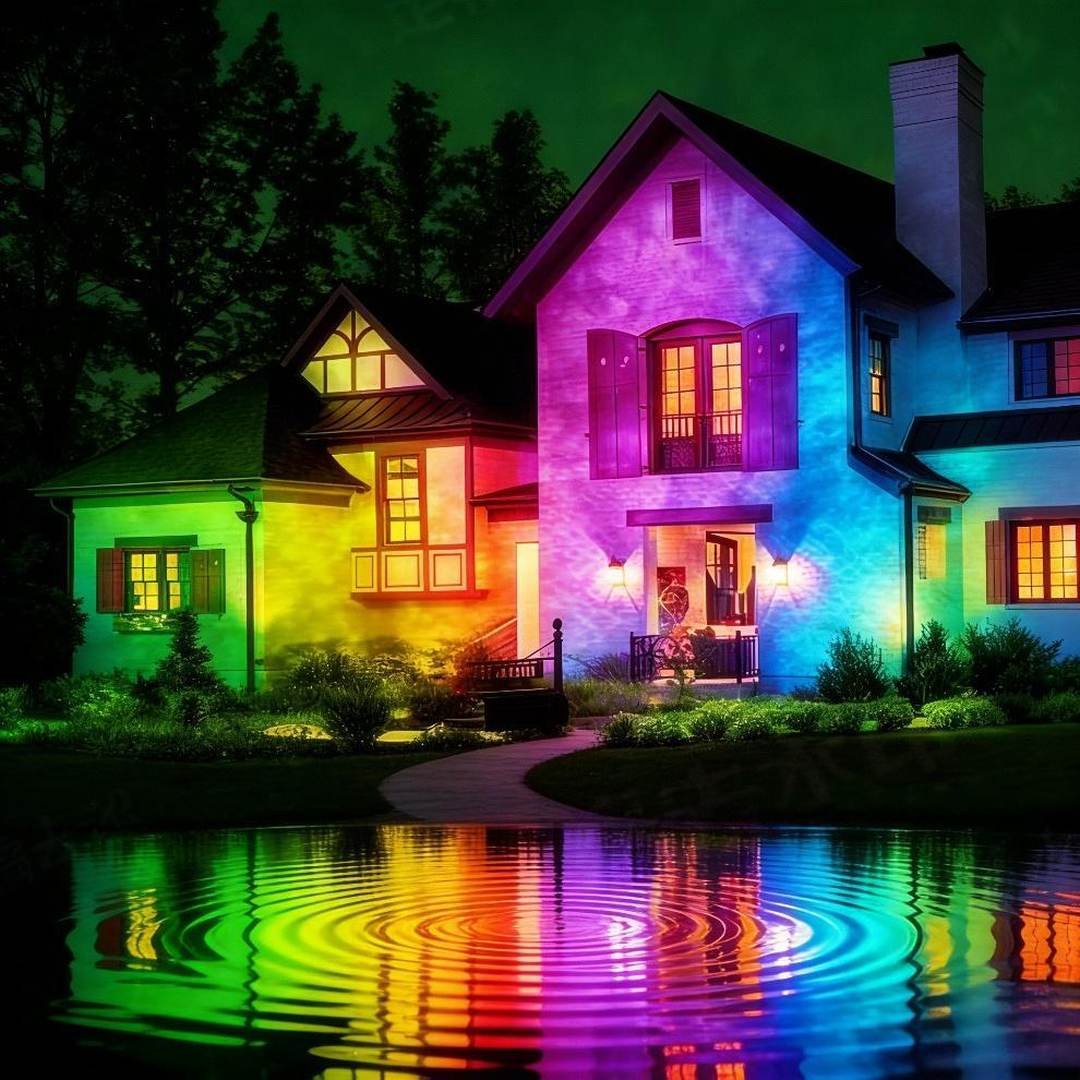
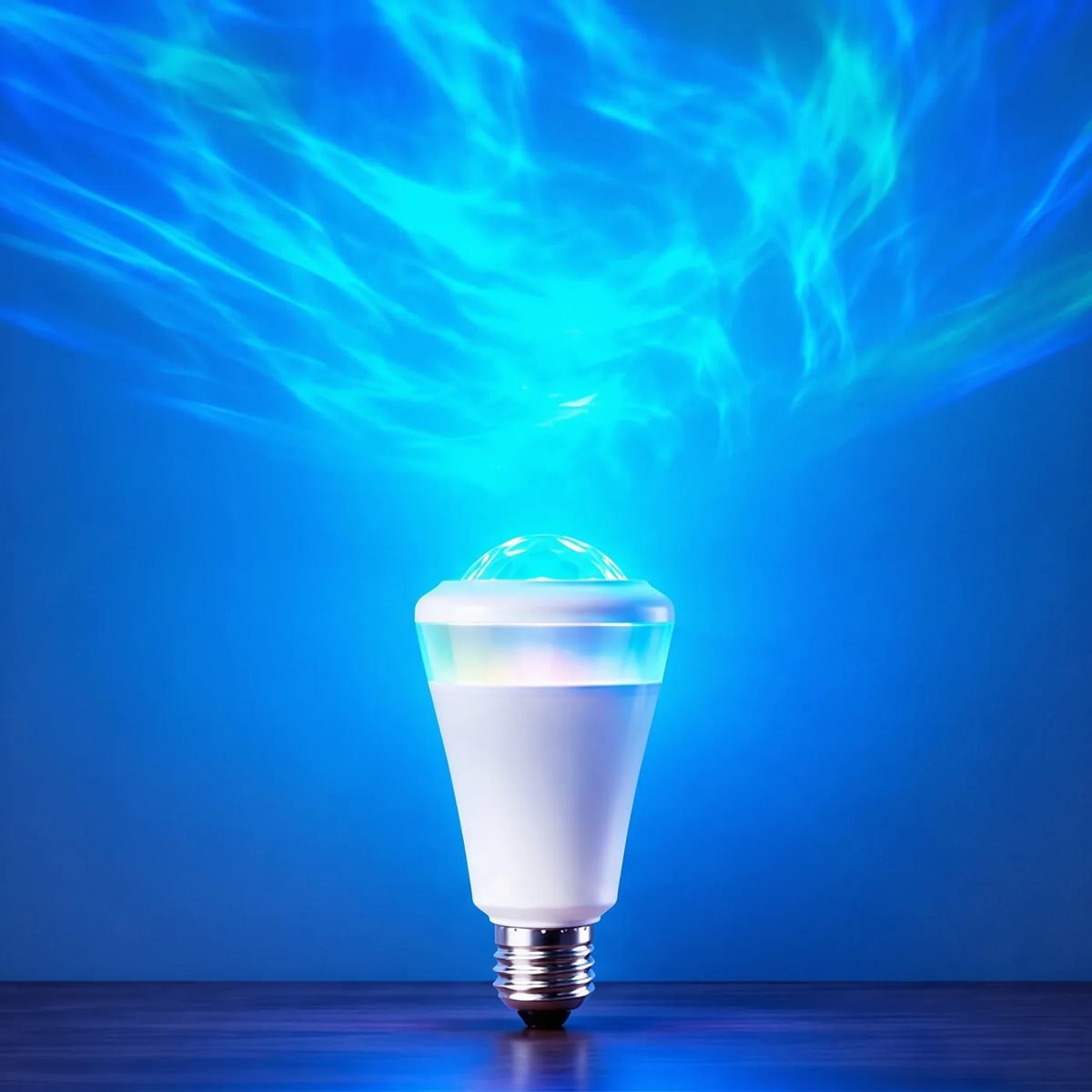
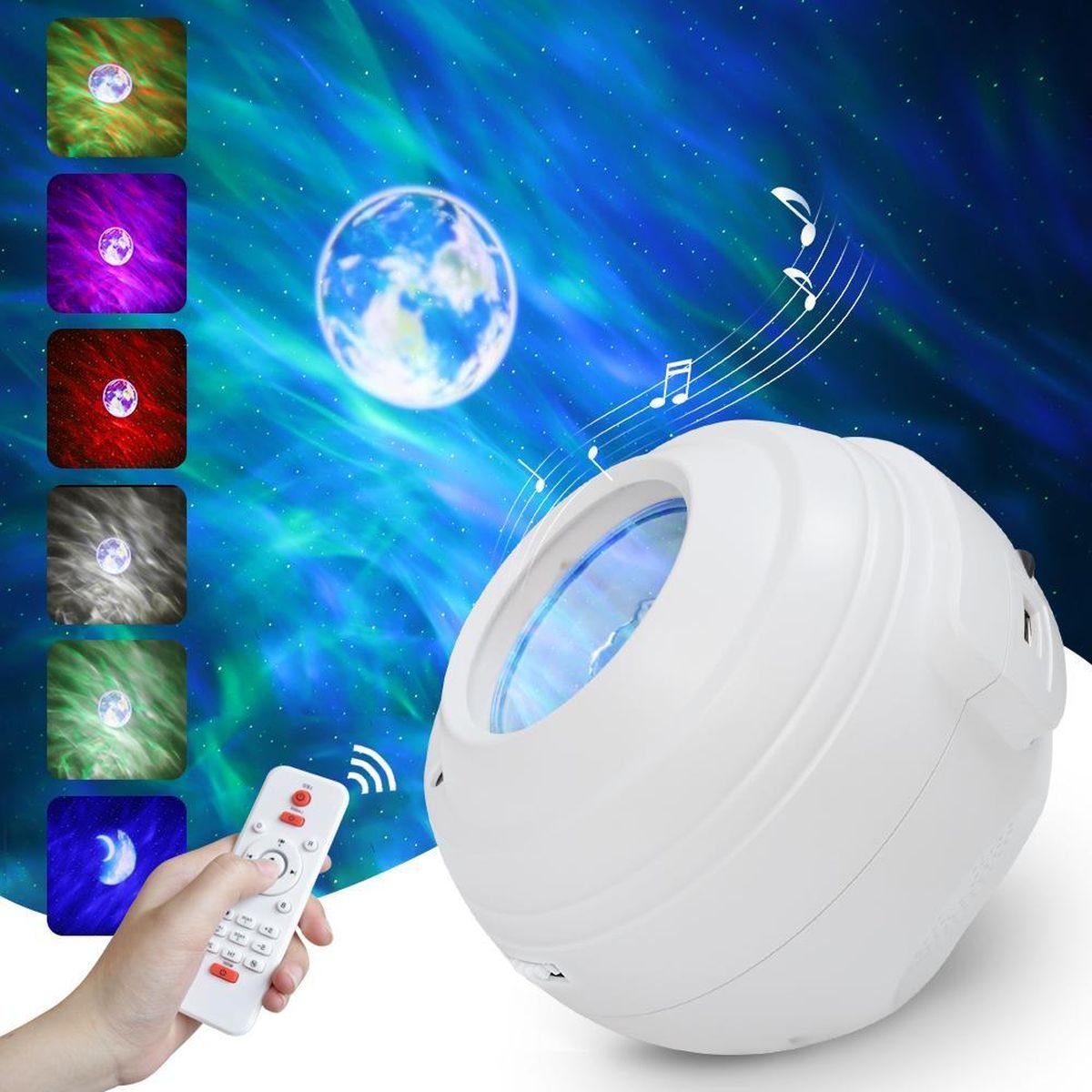
The image above shows the BWL-OL-003 lighting effect, not the app experience. For software sourcing, the real test starts with a clean phone and a boxed unit.
Run the customer journey:
| Step | What to record | Failure ownership to define |
|---|---|---|
| Find the app | Exact store listing, publisher and region availability | Buyer, factory or platform |
| Create account | Required data and verification flow | App or cloud operator |
| Pair device | Network, permissions, timing and reset steps | Device firmware and app |
| Use core controls | Function parity with manual and listing | Product configuration owner |
| Recover from failure | Reset, re-pair and offline behaviour | Support process |
| Receive update | Whether old products remain compatible | App and firmware owners |
A Launch Review That Exposed the App Boundary
A brand team finishes its box, then discovers that the app store displays a third-party publisher and a broader device ecosystem. The factory has not delivered the wrong product; the project scope never defined what “our app” meant.
I would stop packaging release and create the layer map. If the buyer accepts the shared platform, the manual and listing should name the experience honestly. If the buyer needs a different app identity, that request becomes a separate development and maintenance decision. If the product does not need an app, a direct-control model may remove the entire dependency.
The buyer pauses the app claims on the box and runs the journey from a clean phone. The team can now choose between naming the shared platform honestly, scoping a separate software project or moving to direct control. That decision matches our real product mix: only a small part of the line uses a third-party platform, most products do not need apps, and Surplife remains a product-specific development path.
What Can Buyers Change on the App Side—and What Reduces Flexibility?
Factories sometimes answer app customization with a menu of cosmetic options. Buyers need a dependency map before a design menu.
App-side change can range from device naming and scene order to interface branding, publisher identity and backend ownership. The deeper the change, the more the project depends on software development, testing, update responsibility and long-term service. Confirm the boundary instead of assuming every visible element is editable.
Use this ladder:
| App request | What it may involve | Buyer caution |
|---|---|---|
| Rename the device | Configuration or app listing field | Confirm where the name appears |
| Reorder default scenes | Firmware, content or app configuration | Verify persistence after reset |
| Change colours and icons | UI configuration or custom app build | Cosmetic change may still use shared backend |
| Use buyer logo and app name | White-label agreement and store publishing | Define publisher and update responsibility |
| Add new control logic | Firmware and app development | Hardware version and regression testing matter |
| Own the backend | Separate service architecture and operations | Not a normal packaging customization |
The tradeoff is not only development effort. Deep app changes can reduce the flexibility to switch modules, reuse existing support material or adopt platform updates. A shared solution can sometimes be the rational choice for a new brand—if the customer experience is disclosed and the support boundary is understood.
I make the buyer choose the dependency consciously. If a shared platform meets the channel's needs, I document it as shared. If the buyer needs control of publishing, accounts or updates, I move the request out of the artwork list and into a software development scope.
For current Bowlum projects, we should not promise an independent app or private cloud without a written product-specific statement. Surplife is an active development direction and appears in selected source material. “Under development” is a roadmap status, not a feature that every buyer can print on the box.
Risk Disclosure: Software Outlives the Shipment
The factory can complete production while the app still needs updates years later.5 A buyer should define who handles new phone operating systems, store-policy changes, security fixes and device compatibility. This article cannot guarantee a future service lifecycle; it can force that lifecycle into the commercial discussion before the first order.
Why Is Scene Content a Separate Private-Label Layer?
Brands focus on the shell and interface while customers remember what the light actually shows. Content can create rights, localization and update questions separate from the app.
Scenes, patterns, default order, names and audio-response behaviour should be inventoried and approved separately from hardware and app branding.6 A product may support content expansion without granting unlimited formats, rights or update methods.
Ask for a content sheet:
| Content field | Buyer decision |
|---|---|
| Included scenes | Exact names or visual references |
| Default order | First-run customer experience |
| Custom scene support | File, optical or firmware boundary |
| Content rights | Who owns or supplies each visual asset |
| Localization | Names and instructions by market |
| Update method | Fixed at production, local update or app delivery |
BWL-3D-001's source catalog says scene content supports customization and expansion. That supports a real conversation about content. It does not define the file format, development effort or rights for an arbitrary brand request. Those remain approval questions.
I treat the scene inventory like another product component. I want a visual reference, name, default order and rights owner for what the customer sees. That keeps “custom content” from becoming permission to insert an untested or unlicensed file into the final experience.
Likewise, an app-enabled product may contain scenes the buyer never selected. If the manual and listing promise a curated brand experience, the default state needs to match. Record the approved scene list with the pre-production sample, then test reset behaviour so the product does not return to a different generic order.
This is where private label becomes editorial. A brand is not only the logo on the housing; it is the sequence of choices the customer sees after power-on.
How Should You Write the App Question Into a Private-Label RFQ?
“Custom app required” is too broad to quote and too vague to accept. The RFQ needs a layer table and release gates.
Write the RFQ around product control, wireless module, firmware, app publisher, cloud dependency, customer data, offline behaviour, content, localization, updates and support ownership. Mark every item as included, optional, not required or pending before packaging approval.
Use these clauses as a starting point:
I use the RFQ as a release gate, not as a wish list. If the app publisher, offline behaviour or support owner remains pending, I keep the related package claim pending too. The box should never become more certain than the tested customer journey.
- Product identity. State the exact product SKU and selected wireless configuration.
- Control paths. List buttons, remote, app, voice integration and offline behaviour.
- App identity. Record app name, publisher, store regions and account requirement.
- Service responsibility. Name who operates the app and any cloud dependency.
- Firmware identity. Record the approved firmware and its relationship to the app version.
- Content scope. Attach the approved scene inventory and default order.
- Customer journey test. Pair a boxed production-intent sample from a clean phone.
- Change control. Require written approval for module, firmware, app or service changes.
- Packaging gate. Do not print app claims or screenshots until the tested path is fixed.
| RFQ answer | Meaning |
|---|---|
| Included | Present in the exact configuration and sample plan |
| Optional | Requires selection before quotation and approval |
| Not required | Intentionally excluded to reduce dependency |
| Pending | Owner and decision date must be named |
Any supplier who treats this table as excessive may be selling a simple direct-control product—in which case the app should come out of the request. Or the supplier may not control the software boundary. Both are valuable discoveries before artwork.
> Do not approve an app screenshot as a product feature until the same journey works on a boxed production-intent sample from a clean phone.
Conclusion
Private label is not one transfer of ownership. It is a stack of physical identity, firmware, app and cloud, and content. Many decorative-projector brands are better served by direct controls and a well-tested customer journey than by an app added for feature count.7 When software is needed, define who publishes, operates, updates and supports it for the exact product. A logo can be approved in a day; a software dependency can outlive every unit in the first shipment.
My decision rule is straightforward: if I cannot name who controls a software layer after the shipment leaves our factory, I do not call that layer “the buyer's app.” I either document the shared dependency or remove the feature from the private-label promise.
Frequently Asked Questions
Does private label include a custom app?
Not automatically. Logo, packaging and manual customization can be included while the app, cloud and firmware remain shared or separately controlled.
Do all star projectors need an app?
No. Many products use buttons, remotes or Bluetooth audio without an app. Removing an unnecessary app can reduce pairing and support friction.
What is the difference between firmware and an app?
Firmware runs inside the product and controls device behaviour. The app runs on the customer's phone and may depend on a separate cloud service.
What should I ask about a shared projector app?
Ask who publishes it, whether an account is required, what data it uses, which functions work offline, and who supports updates and already-sold units.
Can Bowlum provide an independently branded app?
Do not assume that from general catalog language. Surplife is a product-specific development direction, while selected products have documented app capability. Any branded-app scope requires written confirmation.
When should app screenshots be printed on the box?
Only after the exact app, publisher, region, pairing flow and approved product configuration have been tested from a clean phone.
Is scene customization the same as app customization?
No. Scene content, default order and rights form a separate layer. A product can support custom content without giving the buyer control of the app or cloud.
"A Survey on Application Layer Protocols for IoT Networks", https://arxiv.org/pdf/2405.15901. Layered IoT architectures commonly distinguish device-level functions from application and service layers, providing a technical basis for analyzing a connected product as multiple separately managed components. Evidence role: definition; source type: research. Supports: A source should define or illustrate layered IoT architectures separating device functions, firmware, applications, network or cloud services, and user-facing data or content.. Scope note: The four categories in the article are an applied adaptation and may not correspond exactly to the terminology used in the source. ↩
"Original equipment manufacturer", https://en.wikipedia.org/wiki/Original_equipment_manufacturer. The source distinguishes OEM arrangements, in which a manufacturer produces to another party's specification, from ODM arrangements, in which the manufacturer contributes or supplies product design and development. Evidence role: definition; source type: encyclopedia. Supports: A source should distinguish OEM production from ODM arrangements and describe the latter's relationship to product design, tooling, and development.. Scope note: Industry contracts may combine OEM and ODM features, so the distinction does not determine the scope of a particular supplier's customization service. ↩
"Considerations for Managing Internet of Things (IoT) Cybersecurity and ...", https://nvlpubs.nist.gov/nistpubs/ir/2019/nist.ir.8228.pdf. Data-protection guidance treats the identification of parties that determine purposes, process personal data, and provide storage or connected services as necessary for assigning compliance responsibilities. Evidence role: expert_consensus; source type: government. Supports: A source should support identifying data controllers, processors, storage locations, and processing responsibilities in connected-device services.. Scope note: The legal classification depends on the data, jurisdiction, contracts, and actual service architecture; the question alone does not establish a specific party's legal role. ↩
"How Do You Choose Your AI Component? An Interview ...", https://arxiv.org/html/2607.16660v1. Research on platform-based software development finds that reuse can reduce development effort while coupling adopters to platform interfaces, governance, and lifecycle decisions. Evidence role: mechanism; source type: paper. Supports: A source should explain how platform reuse can lower development effort while increasing dependence on platform interfaces, governance, release schedules, or continued availability.. Scope note: The evidence concerns software platforms generally and does not establish the commercial terms or reliability of any particular shared app. ↩
"NIST Cybersecurity for IoT Program", https://www.nist.gov/itl/applied-cybersecurity/nist-cybersecurity-iot-program. Connected-product guidance recognizes software updates and vulnerability remediation as post-deployment lifecycle activities that may continue after the device has been manufactured and sold. Evidence role: historical_context; source type: government. Supports: A source should establish that connected products require post-sale software maintenance and that security or compatibility support can extend beyond manufacturing.. Scope note: The duration and legal status of support vary by product, jurisdiction, contract, and published support policy. ↩
"What is Copyright? | U.S. Copyright Office", https://www.copyright.gov/what-is-copyright/. Digital-content governance guidance treats audiovisual assets, textual labels, localization, and usage rights as separately managed elements of a product or service. Evidence role: general_support; source type: institution. Supports: A source should support treating audiovisual assets, names, localized text, and user-facing content as separately managed materials with rights and approval requirements.. Scope note: The source may not address projector scenes or audio-responsive lighting specifically, so it supports the governance principle rather than the exact implementation. ↩
"Reviewing Two Decades of Security, Privacy, Accessibility, ...", https://arxiv.org/html/2512.16394v1. Usability research indicates that app-mediated device control can introduce additional onboarding and interaction requirements, while direct controls may simplify access to core functions in appropriate contexts. Evidence role: general_support; source type: research. Supports: A source should compare or discuss the usability, onboarding, accessibility, or support tradeoffs between physical controls and app-mediated control.. Scope note: Preference depends on the required features, user population, accessibility needs, and product context; the evidence does not show that direct control is universally superior. ↩